en


Manu888 runs on Android through our own APK file, which you download from inside the official site rather than from a store. This page covers where the Manu888 APK comes from, how to install it, how to log in, and the one thing the app gives you that the browser does not: the RM40 New Register Free is claimed only there.
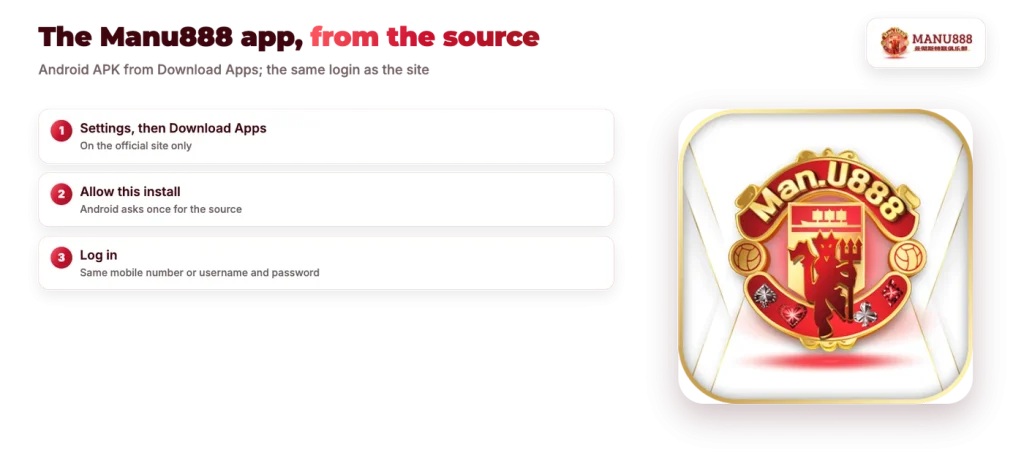
On a phone, open Settings in the bottom bar and choose Download Apps. The mobile home screen also carries a download bar reading MANU888 Apps Download, and both lead to the same place: a download page that serves the Android APK.
That button is the only source we operate. There is no Google Play or App Store listing to search for, so if a download did not begin from inside our site, it did not come from us.
| Detail | Manu888 |
|---|---|
| Platform | Android APK |
| iPhone and iPad | Mobile browser |
| Login | Same account as the site |
| App-only offer | New Register Free RM40 |
| Download source | Settings > Download Apps |
Because the file is not distributed through a store, the download source matters more than it would for an ordinary app install. Start from the menu, every time.
The install follows the same pattern as any Android app that arrives as a file.
As a rule, that permission prompt appears once per source and can be switched back off afterwards if you prefer. Nothing else is required during setup, and you do not create a second account for the app.
The download sits behind the Download Apps button in the Settings menu of our site.
One promotion exists only on the app side. New Register Free RM40 is for a new ID, and the claim is valid only when it is made in the app, so a player who registers in the browser and never installs the APK cannot take it.
Read the conditions before you claim. Your balance has to reach RM600 before a withdrawal is possible, and the most you can cash out from it is RM10. The claim panel in your account shows the live figure at the moment you claim. Treat it as a free look at the games rather than a route to a large payout, and read the rest of the terms together with our other free credit offers so you know which one suits your first deposit better.
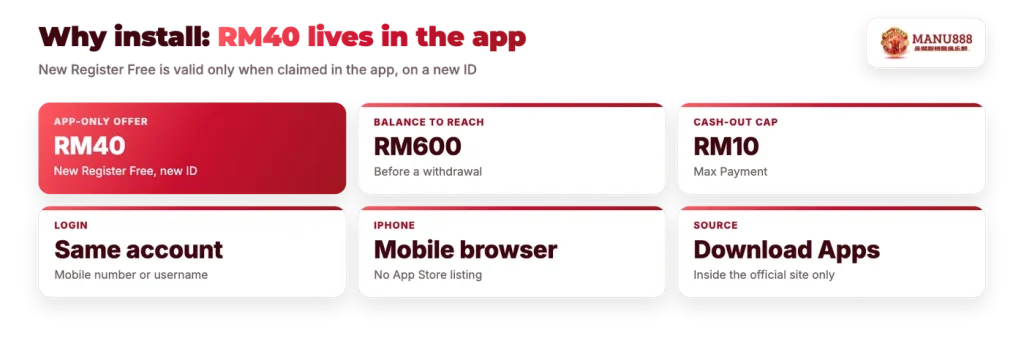
There is one account behind both. The mobile number or username and password you created at sign-up work in the app without any extra step, and your balance and promotions follow the account rather than the device. A deposit made in the browser shows in the app, and a promotion claimed in the app shows in your history on the site.
If the app will not let you in, check the credentials before you reinstall anything. Password rules, resets by phone and the one user, one ID rule are covered in our login and password help.
No App Store app is listed, so there is nothing to install on iOS. iPhone and iPad players open the mobile lobby in Safari or Chrome and play from the browser, where every game category and the cashier work as normal.
If you want an icon on the home screen, iOS lets you add any website to it from the browser share menu. That opens the site full screen, which is the closest equivalent to an app on an iPhone. It is a browser shortcut, not an installed app, so it stays current with the site automatically.
A file installed outside a store carries one clear risk: anyone can build a page that looks like ours and serve a file that imitates our login screen to record a mobile number and a password. The protection is simple and it is entirely in your hands.
Begin every download from the Download Apps button inside the site you already log in on. Do not install an APK forwarded in a chat group, posted in a comment or attached to a message promising a new address, even when the sender uses our name. If you are unsure which file you installed, remove it, log in through the mobile site and download again from the Settings menu.
Keep your password to yourself as well. We ask for a verification code by SMS at sign-up, and our support team never needs your password to help you with an account question.